One-shot run
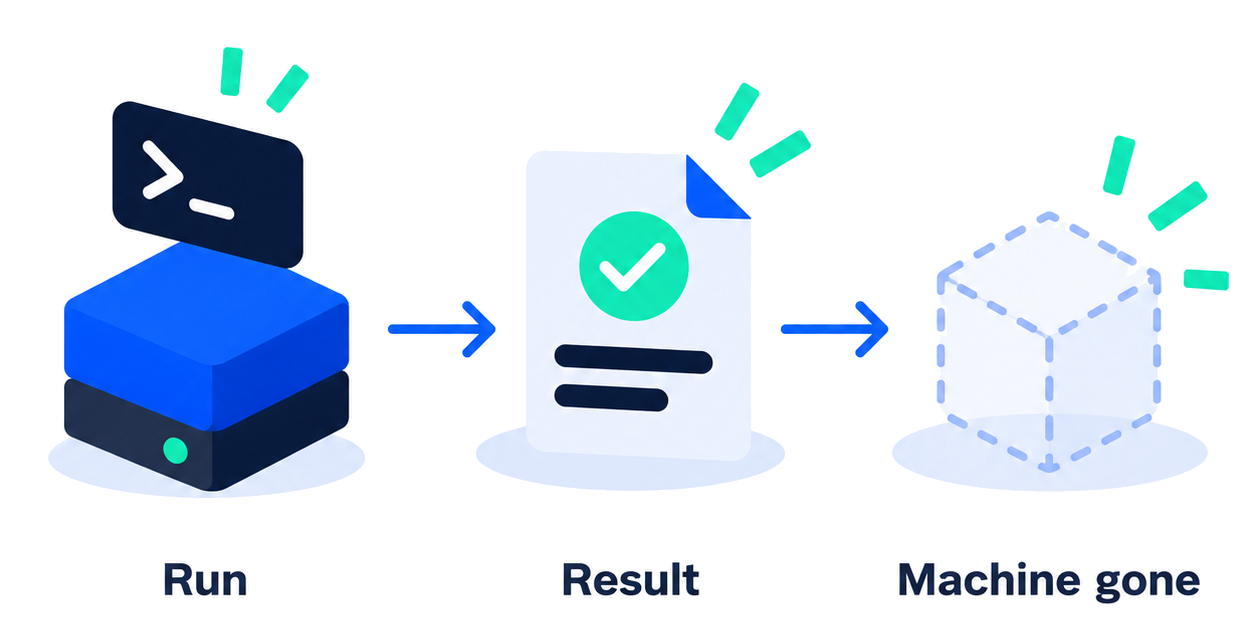
Create a machine, run one command, take stdout, stderr, the exit code, and resource use, then tear it down. Fits a snippet that must not keep state.
client.run.execute(…)

Sphere Engine Sandboxes
One-shot runs and long-lived sessions. Your SDK provisions the machine, watches it, and takes the artifacts out. Further machines come from your code. You do not run the fleet.
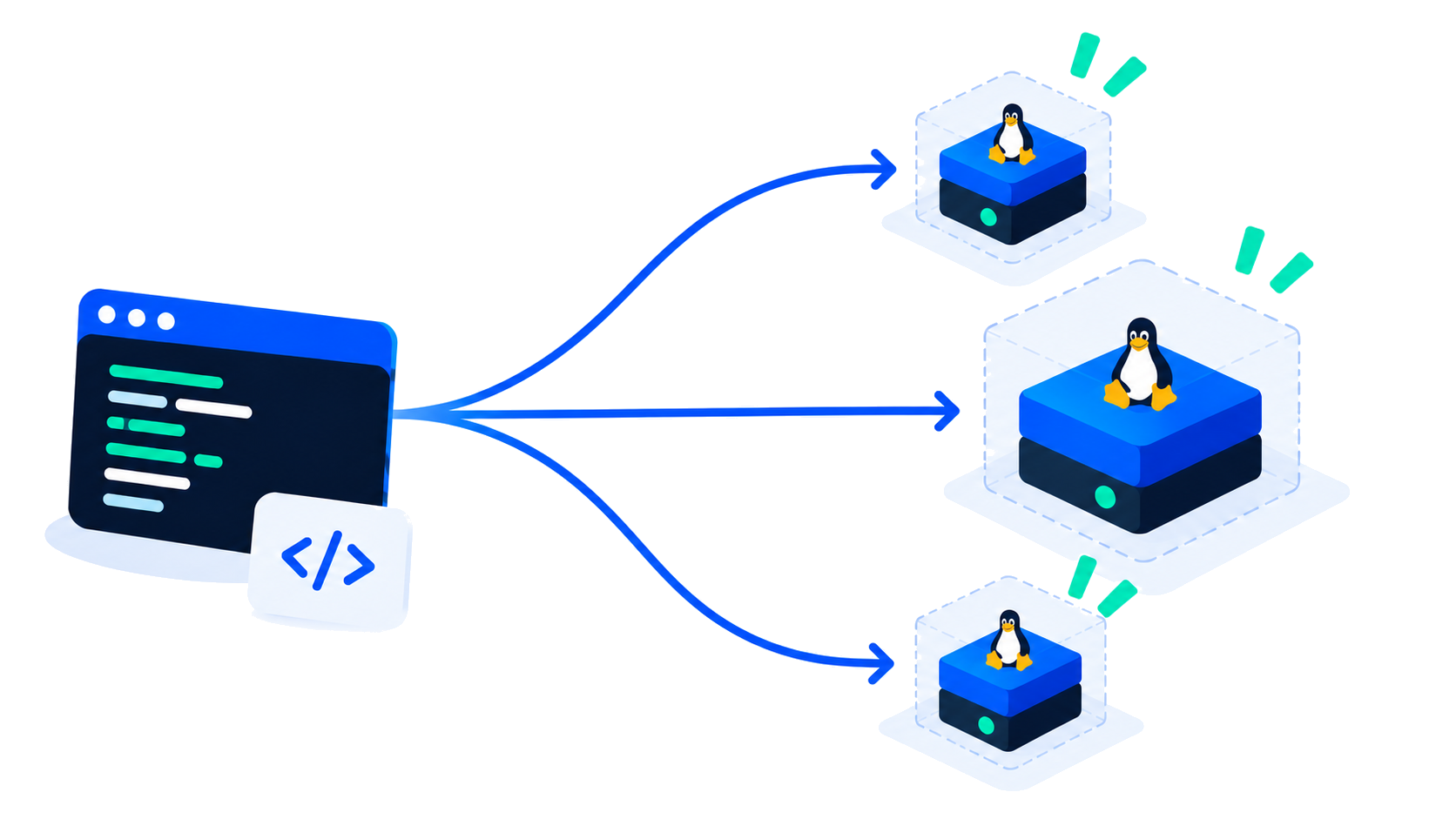
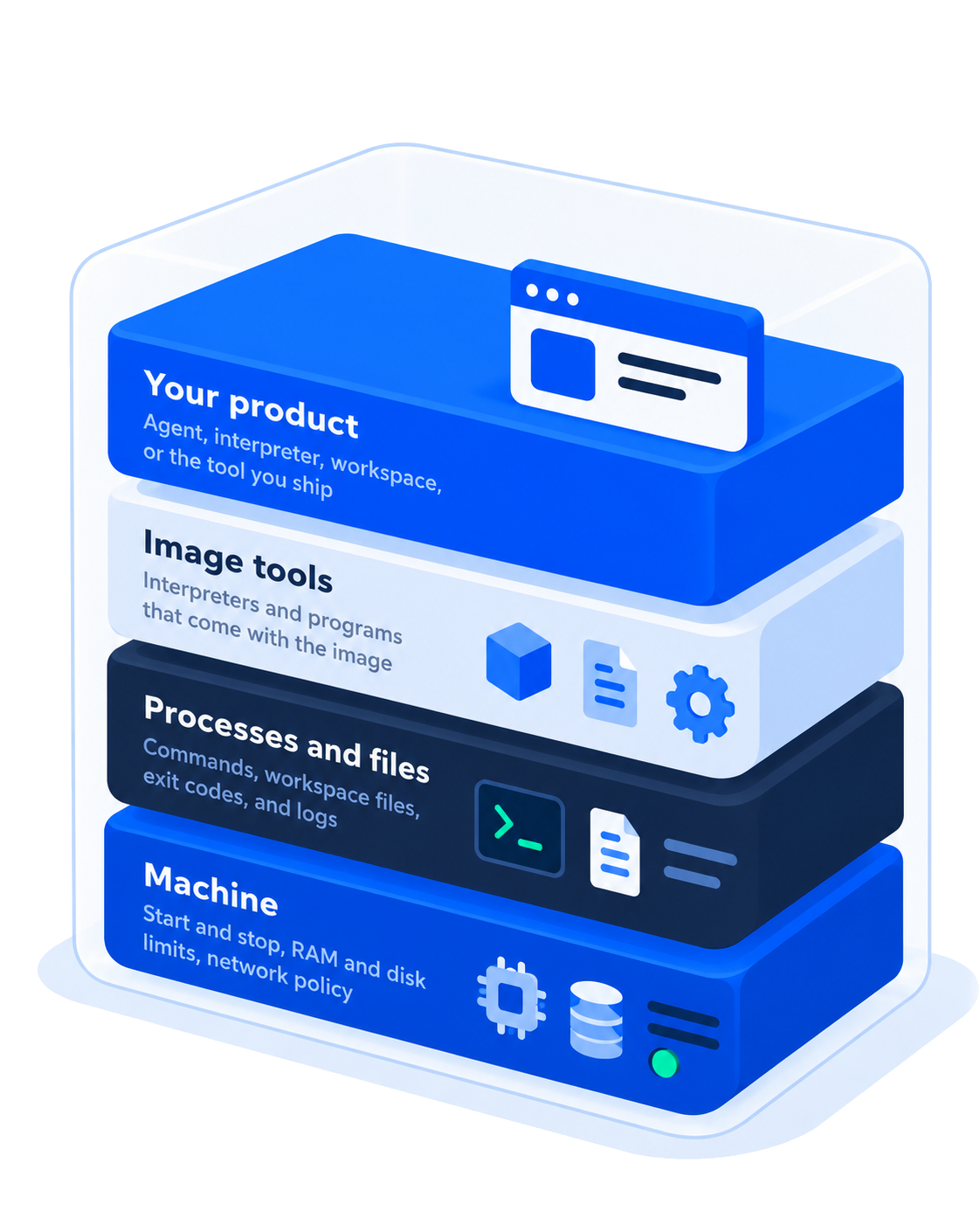
A sandbox is a Linux machine your application controls. You build the product on top.
Same product, two lifecycles.
Create a machine, run one command, take stdout, stderr, the exit code, and resource use, then tear it down. Fits a snippet that must not keep state.
client.run.execute(…)
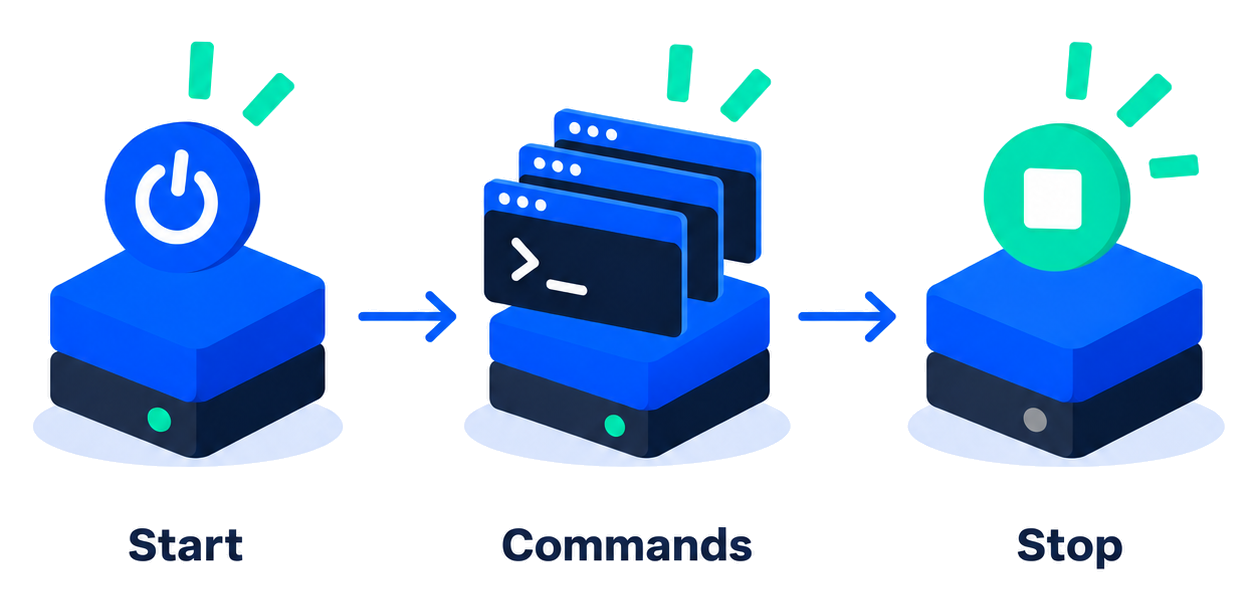
Start a sandbox, run many commands, keep files between them, stop when the work is done. Fits an agent loop or a workspace that has to stay up.
start → exec → stop
A CLI covers the same lifecycle when you are debugging.
one-shot
from sphere_engine_sandboxes import Client

client = Client(token="YOUR_API_KEY")

result = client.run.execute(
    image="ubuntu-26.04-med",
    command=["python3", "-c", "print('hello')"],
)
print(result.exit_code, result.stdout)
import { Client } from "@sphere-engine/sandboxes-sdk";

const client = new Client({ token: "YOUR_API_KEY" });

const result = await client.run.execute({
  image: "ubuntu-26.04-med",
  command: "echo hello",
});
console.log(result.exit_code, result.stdout);
session
from sphere_engine_sandboxes import Client

client = Client(token="YOUR_API_KEY")

sb = client.sandboxes.of("job-42")
sb.start(image="ubuntu-26.04-med")
sb.exec(command=["python3", "-c", "print('still here')"])
sb.stop()
import { Client } from "@sphere-engine/sandboxes-sdk";

const client = new Client({ token: "YOUR_API_KEY" });

const sb = client.sandboxes.of("job-42");
await sb.start({ image: "ubuntu-26.04-med" });
await sb.exec({ command: ["python3", "-c", "print('still here')"] });
await sb.stop();
The SDK is a thin client over the Sandboxes API. Python and TypeScript expose the same objects: a client, a sandbox, files, and a result.
# Copy the key from your account.
# Set it in your terminal.

export SPHERE_API_KEY="your_api_key"# Install the Python SDK
pip install sphere_engine_sandboxes# Install the TypeScript SDK
npm install @sphere-engine/sandboxes-sdkimport os
from sphere_engine_sandboxes import Client
client = Client(
api_key=os.environ["SPHERE_API_KEY"]
)
result = client.run(
language="python",
code='print("Hello, Sphere!")',
)
print(result.stdout)Hello, Sphere!import { Client } from
"@sphere-engine/sandboxes-sdk";
const client = new Client({
apiKey: process.env.SPHERE_API_KEY,
});
const result = await client.run({
language: "python",
code: 'print("Hello, Sphere!")',
});
console.log(result.stdout);Hello, Sphere!The CLI follows the same lifecycle for local debugging.
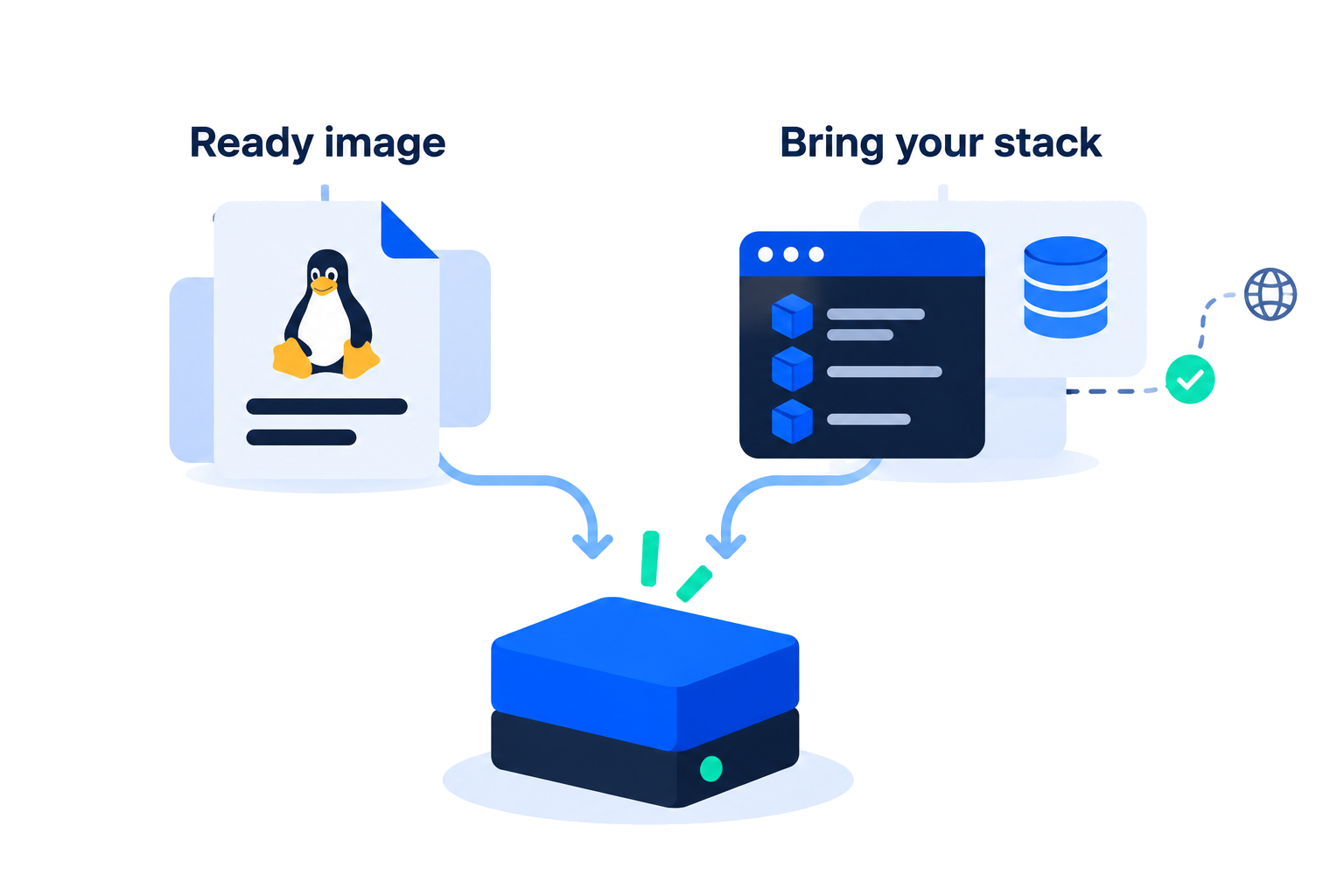
Launch a prepared Linux image. Inside the machine, install the language packages the job needs. Outbound traffic follows the network policy you set. Large inputs can be mounted read-only. Outputs come back as files or logs.